Adding users

Created by Dylan Marriott, Modified on Tue, 29 Sep at 1:18 PM by Dylan Marriott

Add users and collaborate across your team.

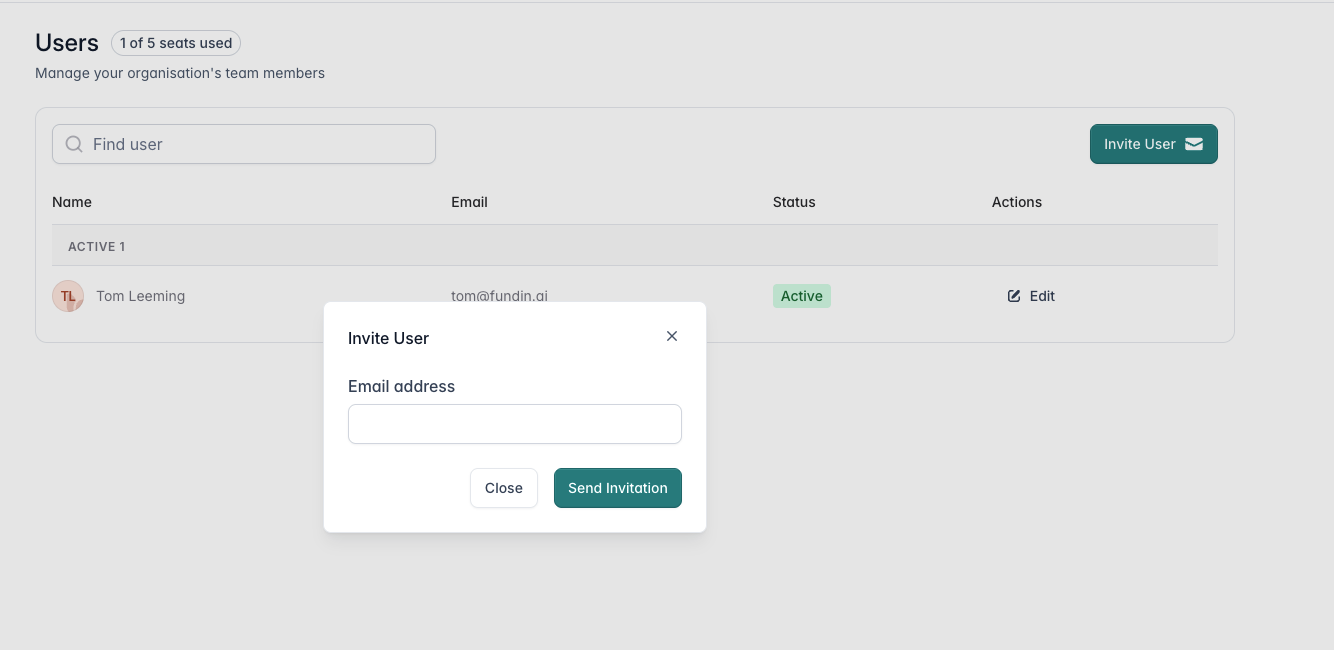
You can add multiple users to your account so your team can collaborate in Fundin together. Every plan, including Free, supports unlimited team members.

To add a user:

  1. Click the icon in the top right
  2. Click Users
  3. Invite your team to the app

They will get an email notification and a link to set up their account.
Was this article helpful?

That’s Great!

Thank you for your feedback

Sorry! We couldn't be helpful

Thank you for your feedback

Let us know how can we improve this article!

Select at least one of the reasons
CAPTCHA verification is required.

Feedback sent

We appreciate your effort and will try to fix the article