Resetting your password

Created by Dylan Marriott, Modified on Tue, 29 Sep at 1:18 PM by Dylan Marriott

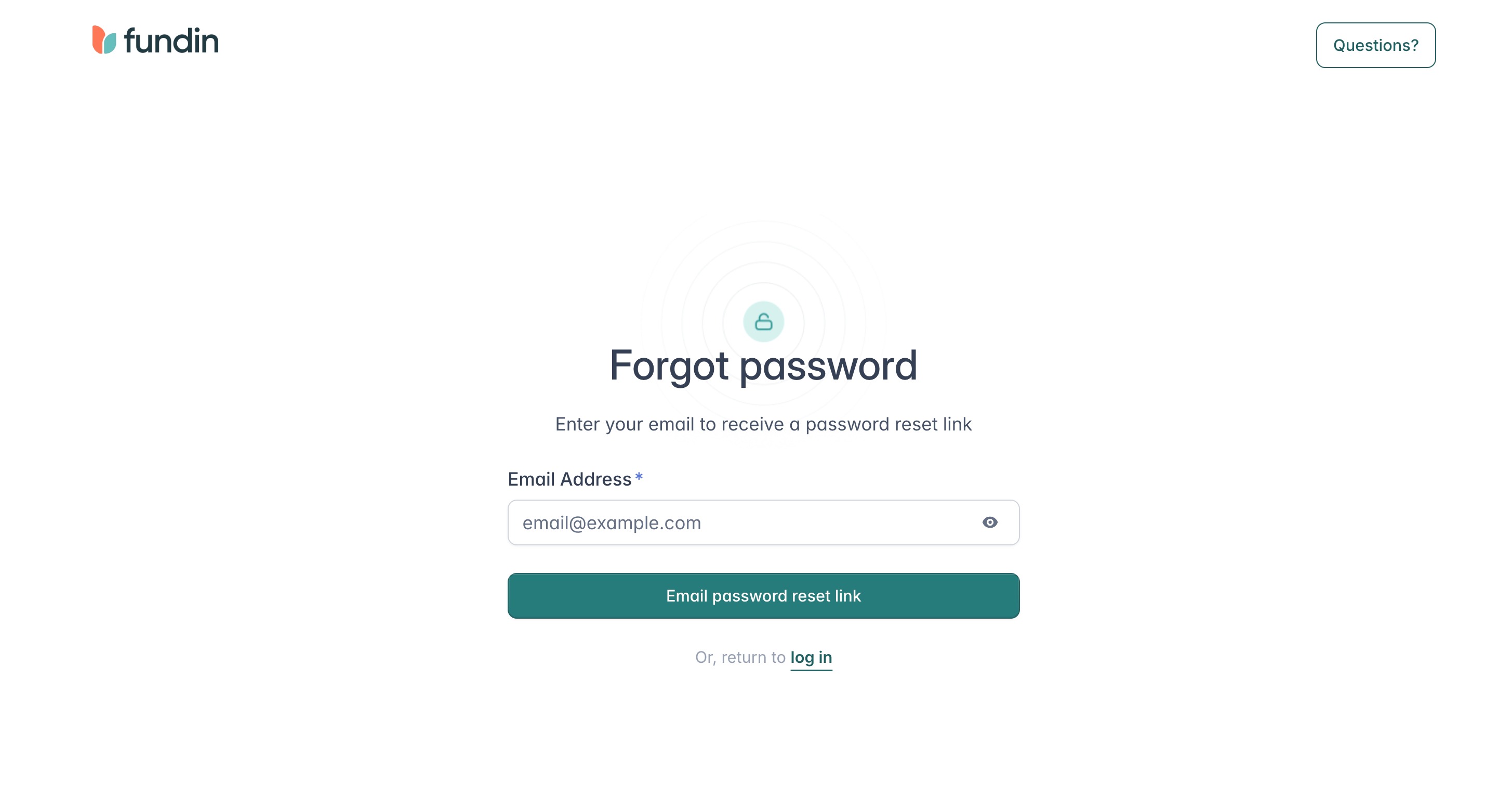
Forgot your password? Follow these steps to reset it.

  1. Go to app.fundin.ai
  2. Click Forgot Password

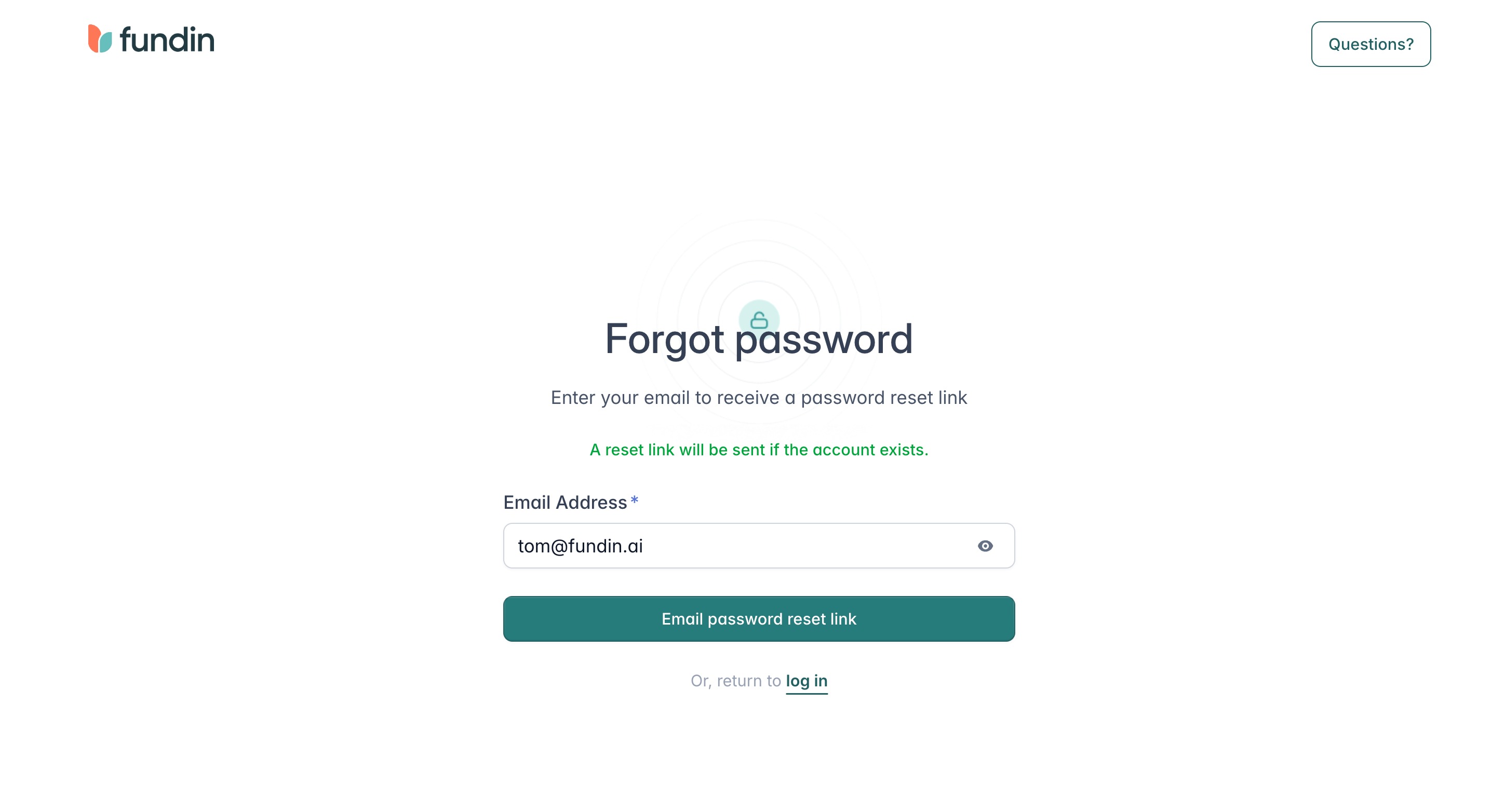
  1. Type in your email address

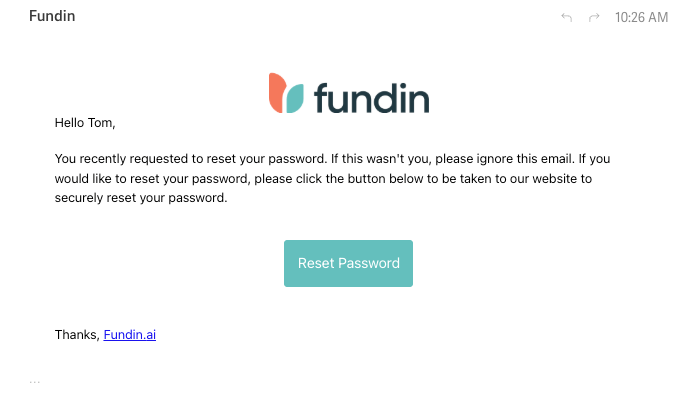
  1. Go to your inbox and click the link in the email (check your spam folder if it hasn't come through)
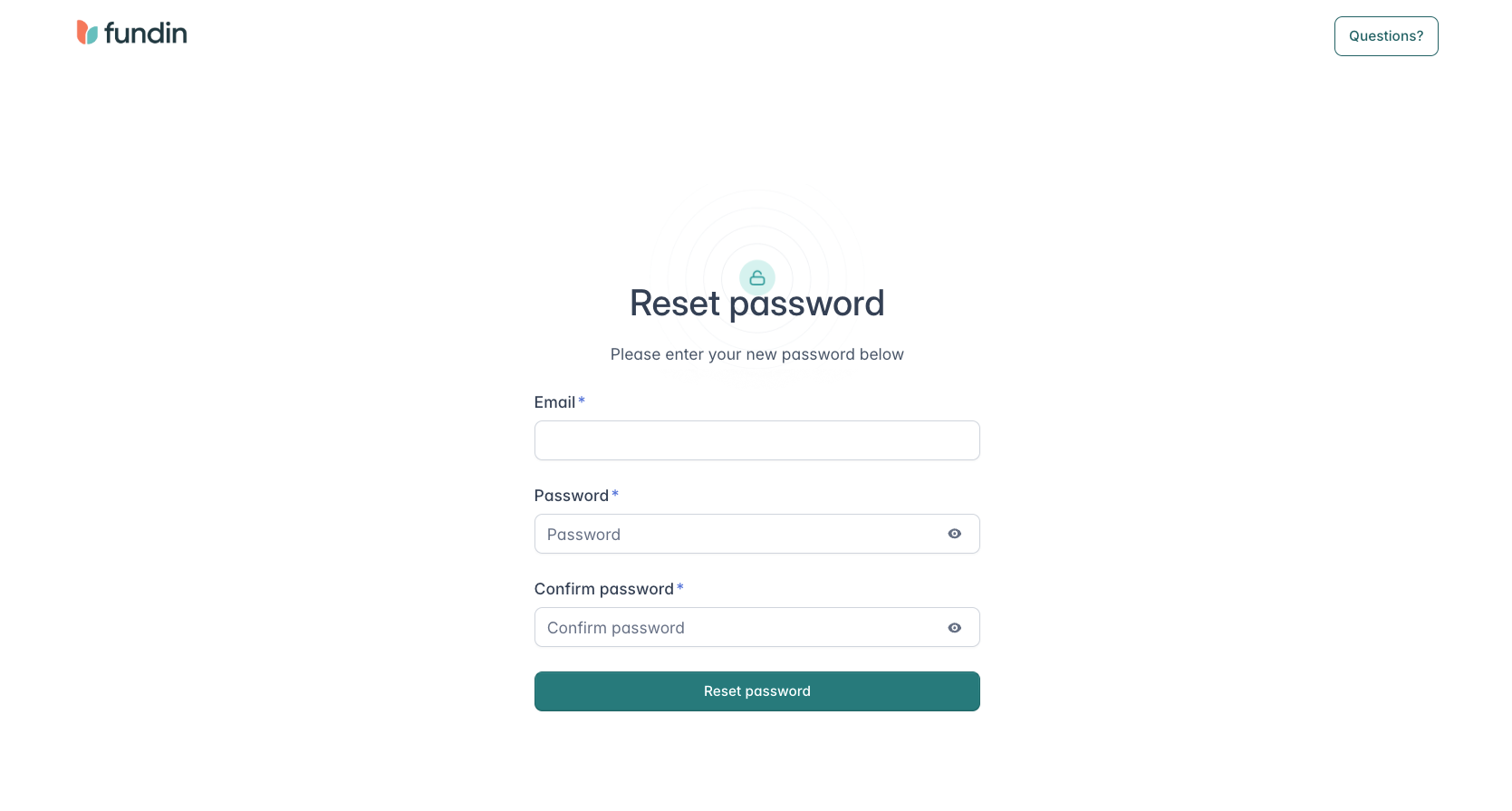
  1. Enter a new password and click Reset Password
  1. Log in to your account with your new password

Note: For any issues resetting your password please email support@fundin.ai

Was this article helpful?

That’s Great!

Thank you for your feedback

Sorry! We couldn't be helpful

Thank you for your feedback

Let us know how can we improve this article!

Select at least one of the reasons
CAPTCHA verification is required.

Feedback sent

We appreciate your effort and will try to fix the article

Next article Adding users